Saving Time Has a Ceiling
A faster prototype is useful. The bigger gain comes when a team can afford to test a decision it used to make blind.
I asked Dan Olsen, author of The Lean Product Playbook, a question I already knew the answer to.
If I had told you a year ago that I vibe coded something, what would you have thought I built?
A prototype, he said. HTML, CSS, and JavaScript. Something clickable you could put in front of a customer to find out whether the idea survived contact with them.
Then the harder version. If someone tells you today that they are using Claude Code for their work, do you know what they are doing?
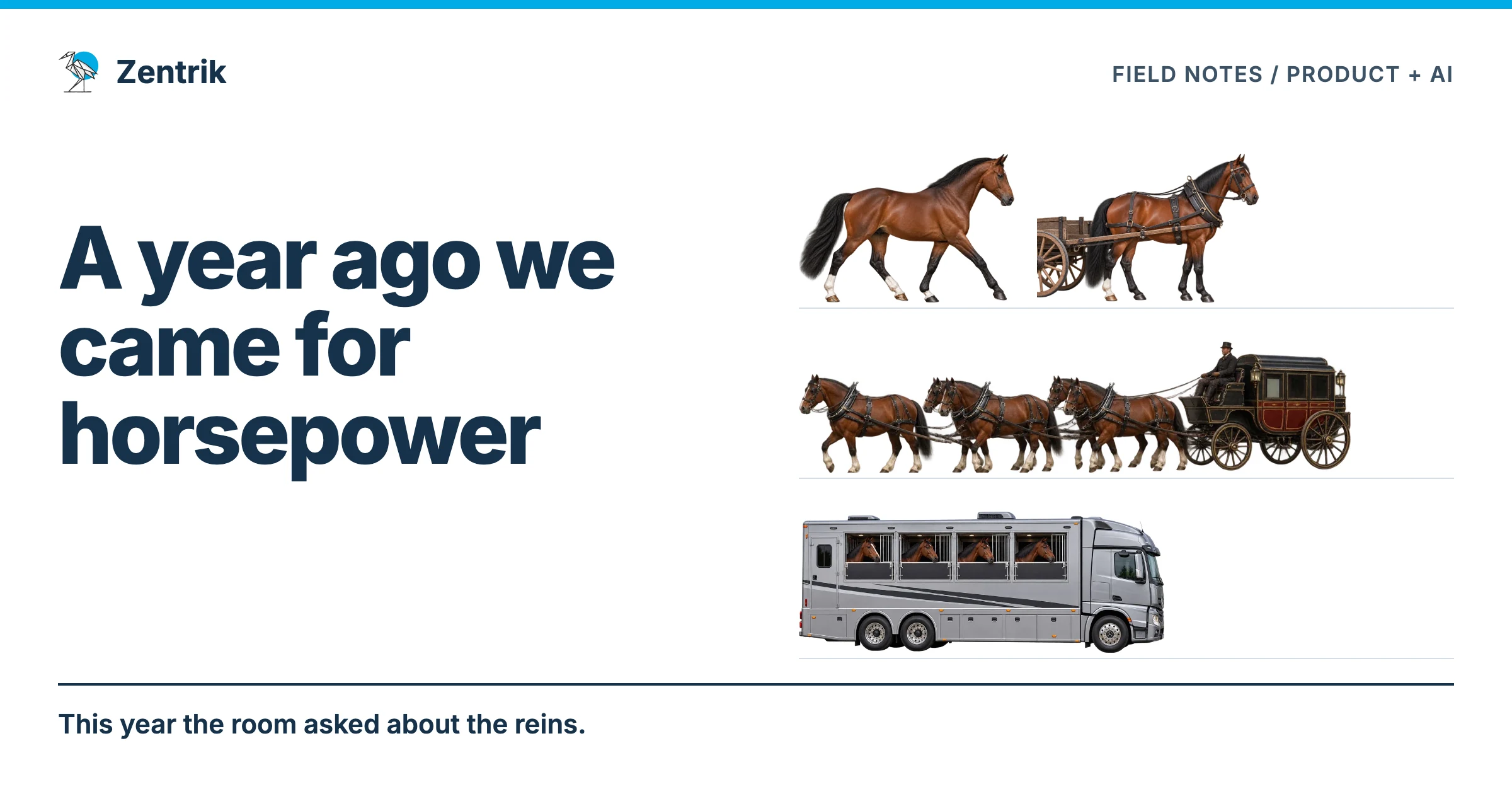
That answer took longer. The same tool name could mean a mockup, production code, research or a set of recurring operations. It no longer told us much about the work.
That exchange, during our July conversation, has stayed with me. We spend a lot of time comparing tools. I am more interested in what a team can now attempt that it would previously have left undone.
The test that never made it onto the calendar
Dan has spent years teaching teams to bridge the gap between words and an experience. A requirement can sound perfectly reasonable in a meeting. A person trying to use the thing may expose a problem in seconds.
The usual advice is to make a prototype, test it, and improve it before committing to the build. The obstacle is familiar: the designer is busy, the deadline is close, and making the prototype has become a project of its own. So the team builds from the description.
AI prototyping can shorten that wait. A PM can make a direction concrete enough to explore without asking engineering to implement the whole idea. The design work remains: choose what to test, make the interaction understandable and watch whether someone can do what you intended.
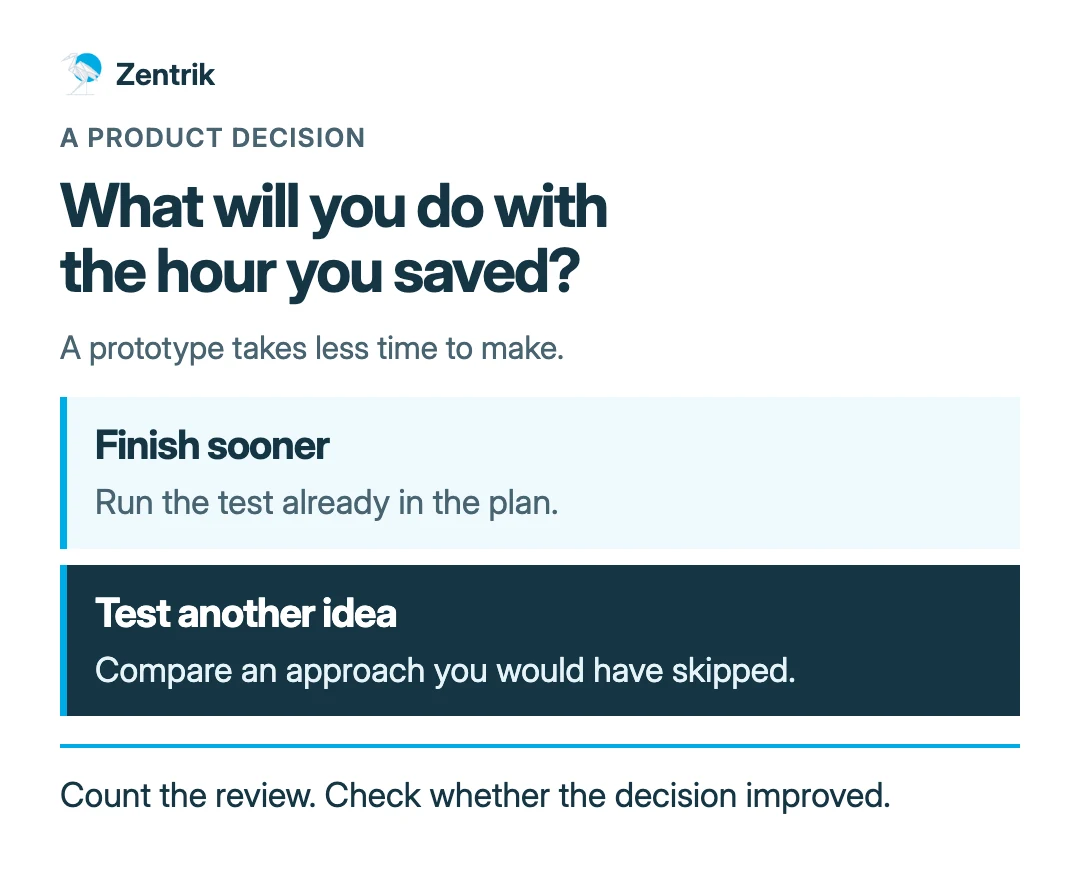
Here is where the return becomes interesting. Suppose a prototype takes less time to make. You can keep the same research plan and finish earlier. Or you can test a second approach that would never have survived the old budget. The latter may change the decision before the expensive part begins.
The extra prototype earns nothing by existing. A useful test must settle something the team would otherwise have guessed.
During the session I opened an uncomfortable example from our own workspace: new users could arrive in Zentrik and see too much at once. People on that call had raised the problem. Dan pushed me past a vague success metric and asked which workflow a new user needed to complete on the first visit.
Producing more screens would have been easy. His question exposed what we had not yet specified: the first task a new user should complete. Extra capacity is useful here if we spend it finding and testing that task.
Eight faster people still need a shared decision
Dan described people independently building skills to write PRDs, then discovering that their colleagues had done the same thing. The next question was obvious: should the team share one?
I asked who would keep it up to date.
A personal setup can be excellent and still be hard to share. Its owner knows which interview changed the plan, why an old constraint still matters, and which impressive answer to ignore. A colleague inherits the files without all that knowledge.
Sharing the setup exposes the missing decisions. Which source is current? What happens when a meeting note conflicts with the approved plan? Who accepts the output? Where does a correction go so the next run benefits from it?
Those questions are small enough to answer for one workflow. They become exhausting if every person has to answer them again in a private chat.
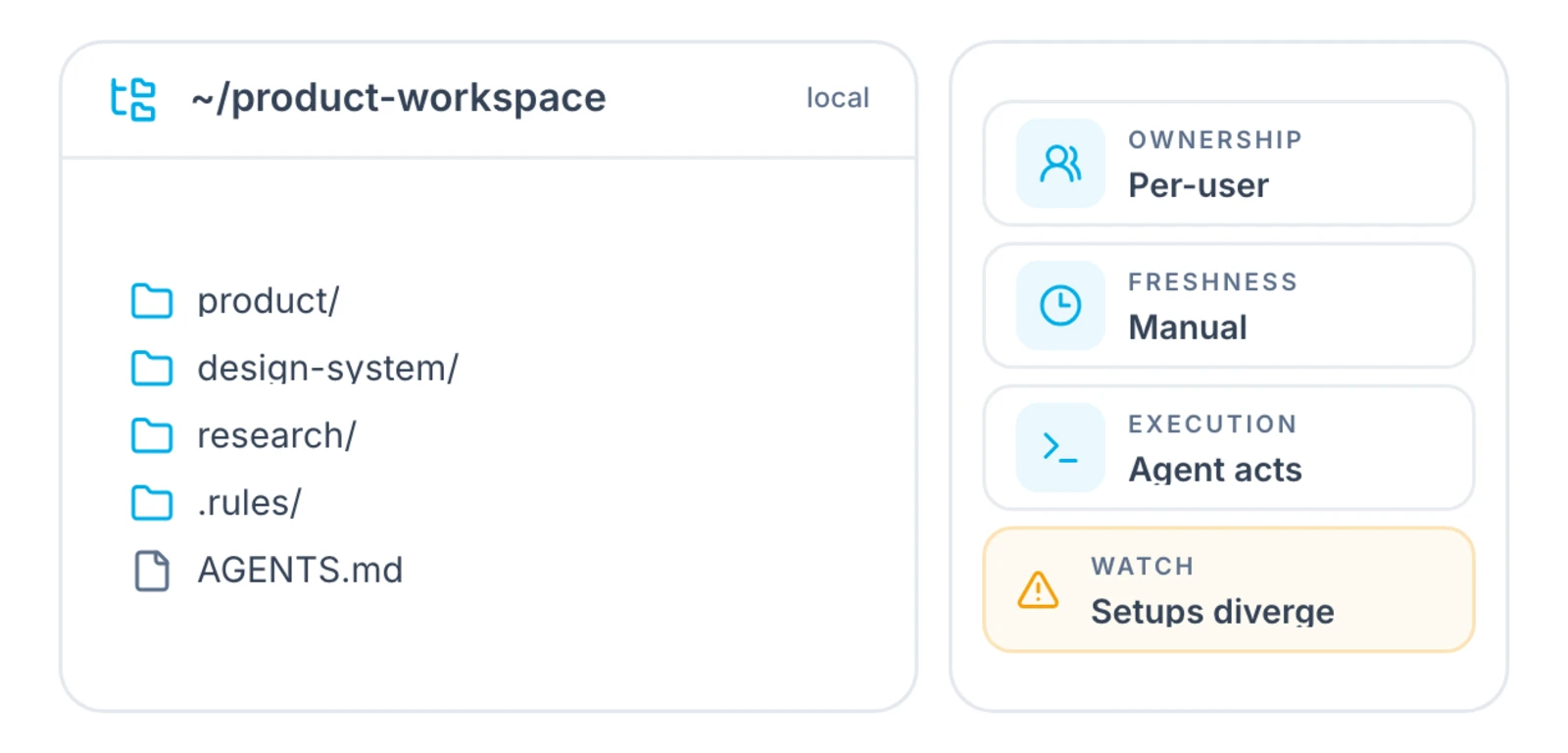
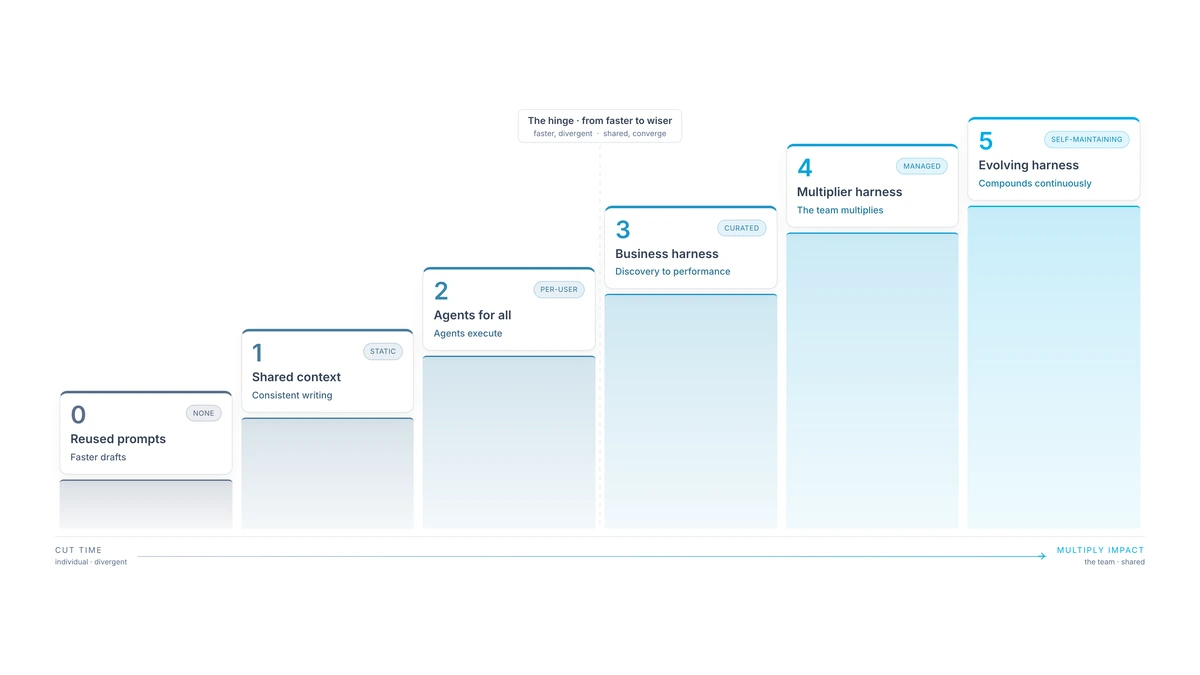
Start with work the team already repeats. A weekly review of customer evidence is a better candidate than an ambition to automate product management. Keep its sources, current decision, expected result and reviewer together. Give the arrangement an owner who can change it when the work changes.
Count the work around the answer
A faster draft can conceal a slower review. Someone still has to find the source, correct a confident inference, check permissions and decide whether the result is usable.
I would count that time in the comparison. I would also count the maintenance. A shared workflow that depends on its original builder being available has a cost even when the model call is cheap.
This is why a useful first workflow has a narrow job. Let an agent prepare a proposal from an approved source packet. Give a person the decision. Inspect the result before adding more access or recurring execution.
| Look at | Ask before calling it an improvement |
|---|---|
| Preparation | Did the same useful artifact take less effort? |
| Review | Could the reviewer check the sources and reasoning without rebuilding the work? |
| New work | Did we test something we would otherwise have skipped? |
| Maintenance | Who repairs the workflow when a source, tool or decision changes? |
These are different returns. Keeping them separate makes the result easier to trust.
The customer reason needs somewhere to go
A folder of transcripts can be useful. Search can find related meaning across them. But a product question often asks for relationships: which reports concern the same incident, which decision they informed, and whether the team acted on it.
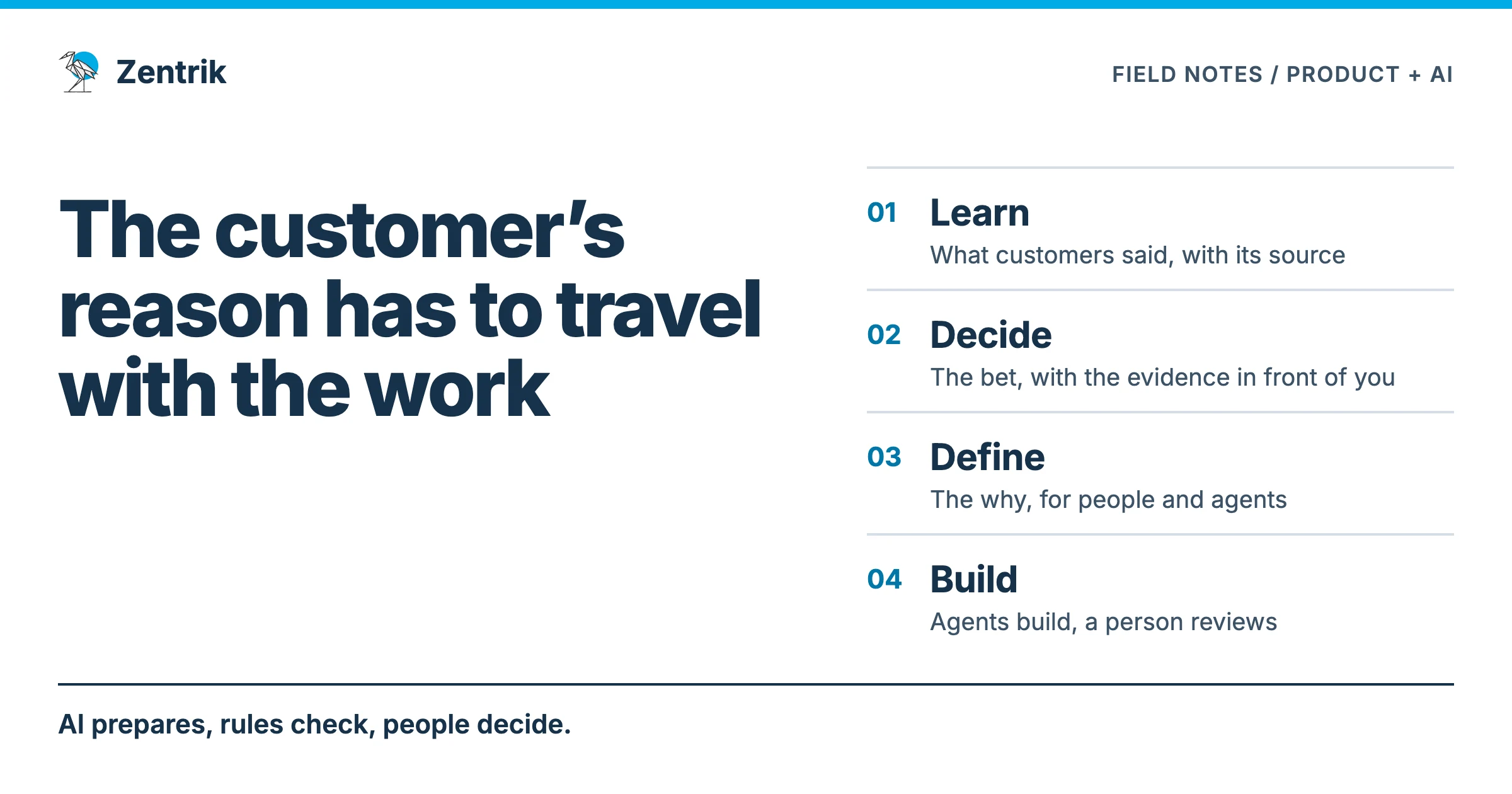
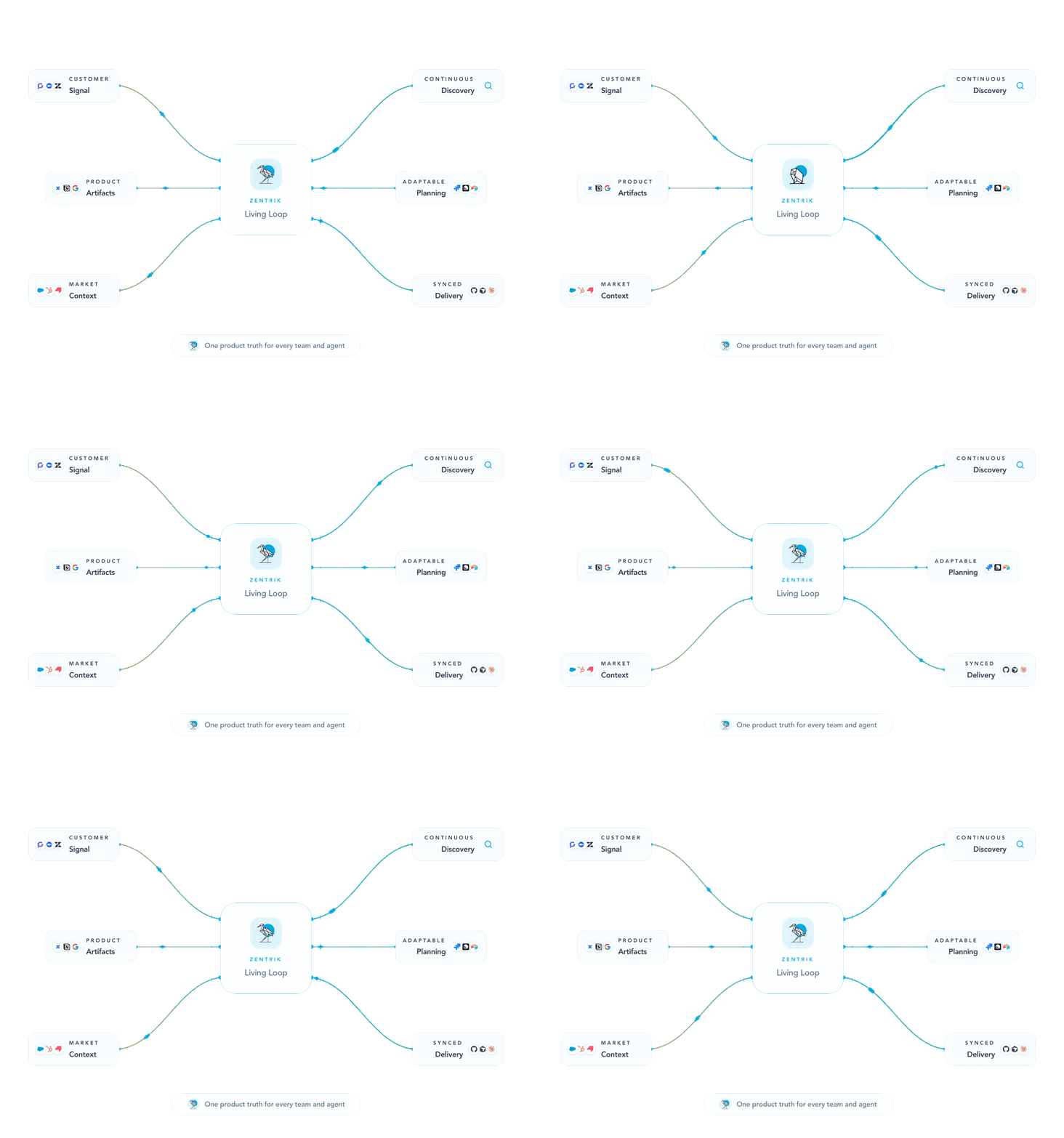
That is the work we build Zentrik to support, so I have an interest in the answer. We connect customer evidence to product decisions and delivery, then bring what happens after shipping back into the next decision. People still choose the bet.
Spend the gain deliberately
The time saved on an existing task has a ceiling: eventually there is no more of that task to remove. Capacity asks a different question. Can the team now do useful work it could not previously afford?
Capacity has constraints too. Review, coordination, cost and customer access do not disappear. More output can create more work for everyone else. The test is whether the extra attempt improves a decision or produces something people can use.
For one recurring product decision this week, write down what you usually skip. It might be a second design, a check against contradictory evidence, or a conversation with someone outside the loudest account.
Use the time you saved to do that. Keep the customer source and the resulting decision together; the evidence-to-initiatives guide shows the path in Zentrik.
When you review the week, you will have something more useful to discuss than how quickly the first draft appeared.