Context folders and a personal Inbox
Bring a local folder into Context as a source tree, and follow personal work from one Inbox.
What changed
- Review the files in a local folder before bringing them into Context.
- Find questions, tasks, and activity on your work in one personal Inbox.
- Share a fixed Brief edition and keep the weekly default behind its existing setting.
Bring a folder into Context
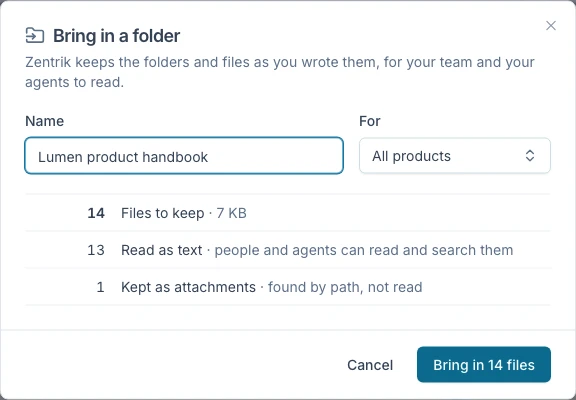
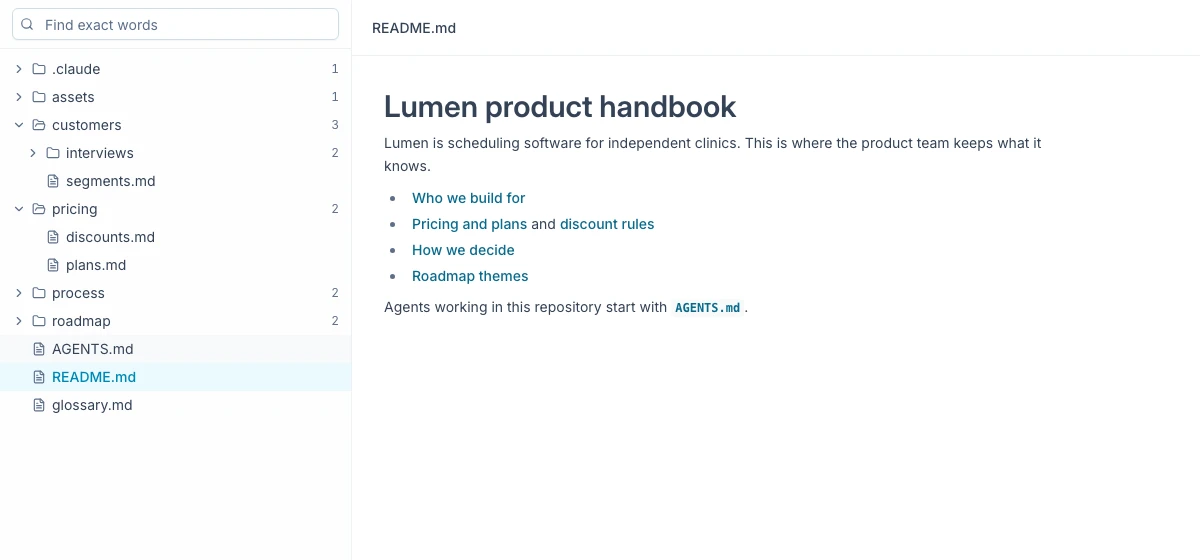
Choose a local folder and review what Zentrik can read before you confirm. Context keeps its folders and files as a source tree, where you can browse, search, and open sections. A source is a copy: update it by choosing the folder again or using the setup script. Zentrik does not pull changes from a connected repository.
Browse the imported source tree
Browse and search the copied folder in Context. Choose the folder again or use the setup script to update it.
Keep personal work in one Inbox
The Inbox brings together questions waiting for you, activity on work you follow, and unassigned actions in your teams. Each item explains why it is there and opens at the record that needs your attention. Read, archive, and snooze state is personal.
Share a fixed Brief edition
Share a frozen Brief edition so recipients can read the version you selected. The weekly default remains behind its existing feature flag and is off by default.
More in this release
Delivery and research
- Follow Jira imports, export Linear stories with child tasks, and keep task records linked to their assistant conversations.
- Research now handles more degraded states, and Product Map includes an all-products view.