v1.10-v1.10.2Zentrik platform
Organize product and delivery work with Teams.
Create teams inside a workspace, give each person the right role, and keep initiatives, Studies, Huddles, cycles, and tasks with the people who own them.
What changed
- Create teams with their own members and roles
- Keep initiatives, Studies, Huddles, cycles, and tasks with the team that owns them
- Reassign shared initiatives without losing existing work
- Find teams, workspaces, members, and invitations from settings
Organize work by team
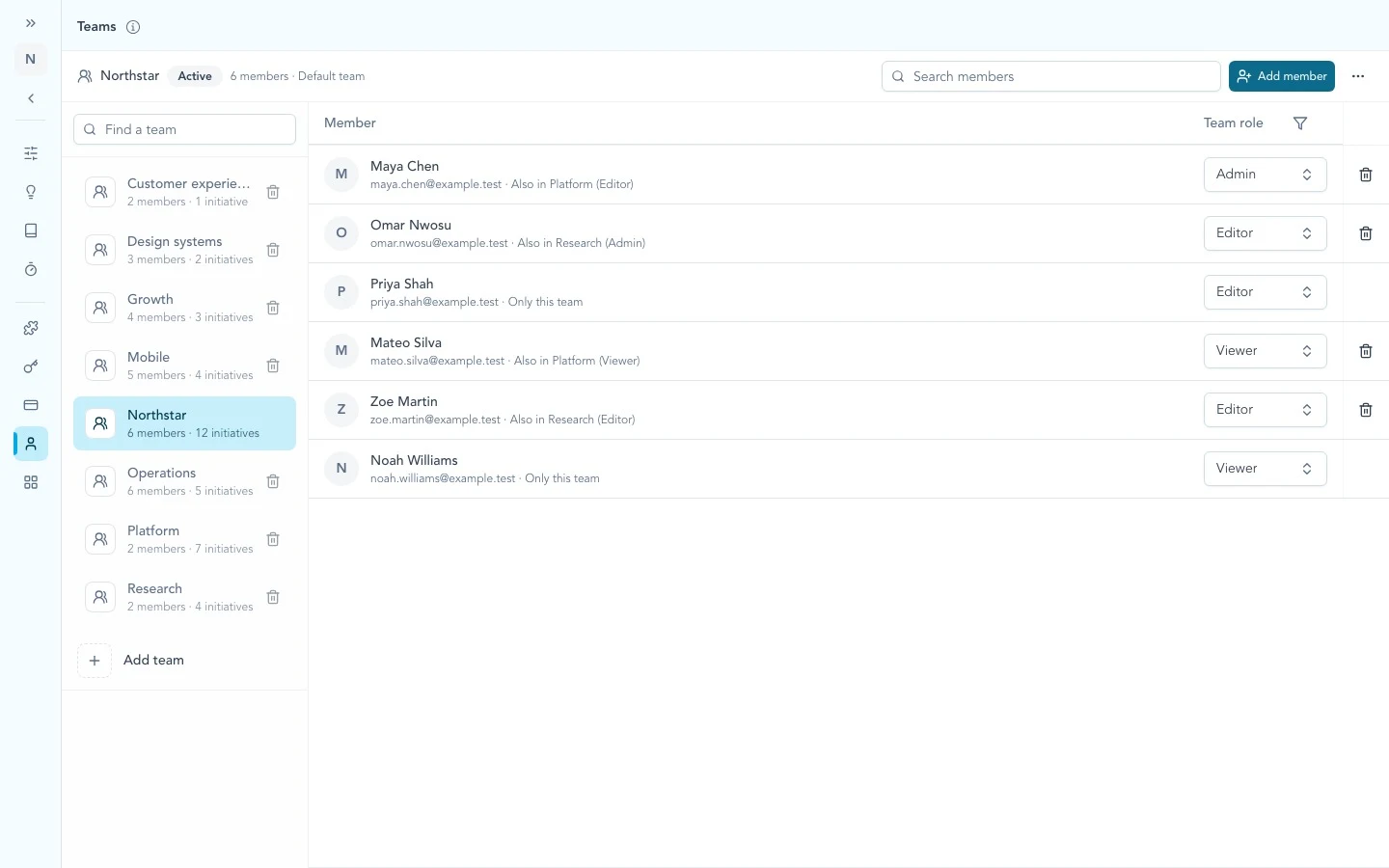
Select a team, add the people who need access, then create or assign the initiatives and delivery work they own.
Move existing work without disruption
Existing members and work begin in a default team. Workspace Owners and Admins can create teams, assign people, move shared initiatives, and narrow access when the new ownership is ready.
More in this release
Teams and delivery scope
People and product work can follow the operating team that owns them.
- Added workspace teams with separate Team Admin, Editor, and Viewer roles
- Added team ownership for initiatives, Huddles, cycles, and tasks
- Applied team access to linked Studies and signed-in MCP workflows
- Kept existing work available through the default team during reassignment
Administration and navigation
Team and workspace changes are easier to understand before they affect access.
- Added searchable team, workspace, member, and pending-invitation views
- Clarified workspace access when adding a person to a team
- Kept team search and creation in the team rail and selected-team actions in the page header
- Added existing-prototype registration and Signal source counts in People