v1.71.1Zentrik platform
Bring in a product handbook and match requests to deals
The folder import dialog links to a guide for reading, searching and updating the files you bring into Context. The Customers timeline also keeps each request tied to its deal.
What changed
- Find the product knowledge guide in the folder import dialog.
- Choose which deal an account’s request belongs to.
Review a folder before bringing it into Context
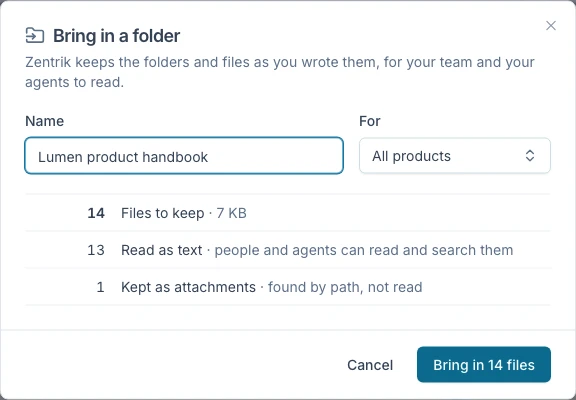
Open the guide from Bring in a folder to check which files will be imported. It shows how to search the handbook in Context and how to update it when the original files change.
Choose the deal behind a request
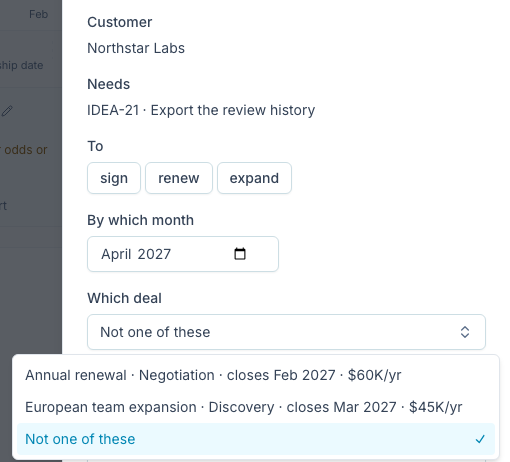
On the Customers timeline, open an ask and select Pick the deal when the account has several open deals. Under Which deal, choose the deal whose amount and close date belong with the request, or select Not one of these. Editing the request keeps the customer’s original date.
More in this release
Account activity
- Hover a dot in the Signals chart to see the period total even if the matching signal record is unavailable.