v1.77.0Zentrik platform
Browse source folders and reconnect a quiet Weekly Brief
Imported sources now open as folders in Context. Weekly Brief readers can also see when customer evidence has gone quiet.
What changed
- Open a source from the Context library.
- Follow the link in the quiet-week email.
Read a source folder
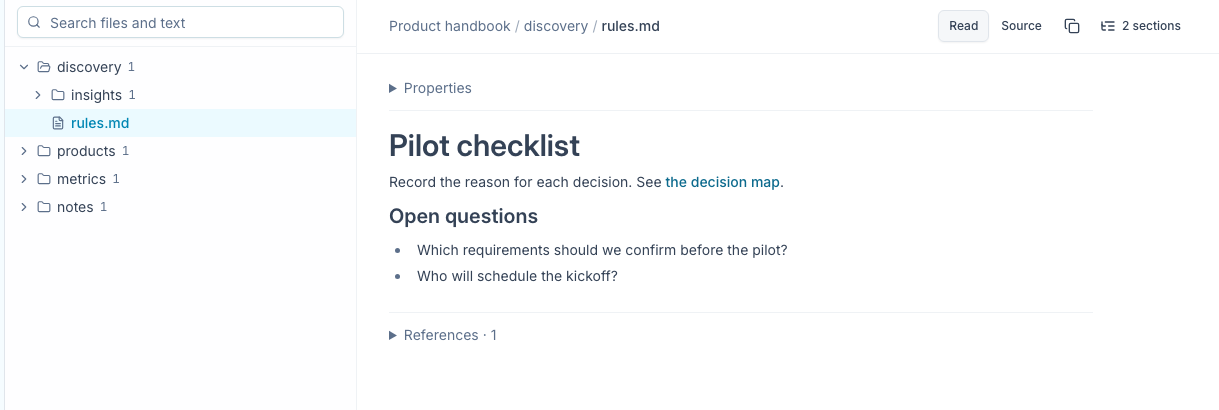
Open an imported source alongside your other Context folders. Select a folder in the path to see its files, or use the library search to find a file or passage under the current product filter.
Know when the Brief has gone quiet
If a weekly reader previously received a Brief and there is nothing new for three weeks, Zentrik sends one note for that quiet stretch. Owners and admins can connect a source from the email. Members can open their Brief. Readers already receiving quiet-week emails keep their usual schedule.
More in this release
More in this release
- A saved Huddle layout stays visible when its initiative selection is empty.