Return to a source passage and rehearse an interview
Follow a reference without losing your place in Context, and try an AI interview before inviting participants.
What changed
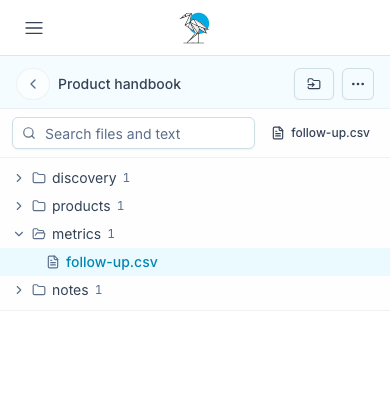
- Browse files on a phone or follow a reference in the reader.
- Use Test interview in the Study header.
Keep your place in a source
On a phone, use Browse files to open the folder tree and return to the selected document. After following a reference, use Back to return to the referring passage at the same revision.
Test an interview before launch
Open an AI interview Study and select Test interview in the header. You can rehearse in draft or while collecting responses. The first rehearsal reserves a participant address if needed. Overview keeps the published questions and learning goal visible.
Attach a Figma design to the work
From Design references on an idea or feature, choose Add design and preview the frame with your existing Figma access. An idea needs a product before you can attach the design. Removing a reference leaves the saved design available.
More in this release
More in this release
- Home no longer substitutes a Context entry titled “Start here” for the next step from the team’s work.