Find your groups, join conversations and research, and see what the team learned from participation.
Before you start
Join through your personal invitation and sign in with the configured participant account. The community shows content you can currently access. A group that someone else can see may not be available to you.
You choose which requests to participate in. Pausing email does not stop voluntary participation. If you have left or been removed, ask the administrator about a new invitation rather than relying on an old private link.
Find groups and conversations
Use Home for shared updates and Your groups to open an available group. Read its purpose and current content before contributing.
Open a post to read the conversation. Reply where replies are open. Starting a new discussion depends on the community or group setting, so an absent creation action is not necessarily an error.
Use the report action when a post or another person’s reply needs administrator review. Give the context the form requests. Reporting sends it for review; do not assume the content will disappear immediately.
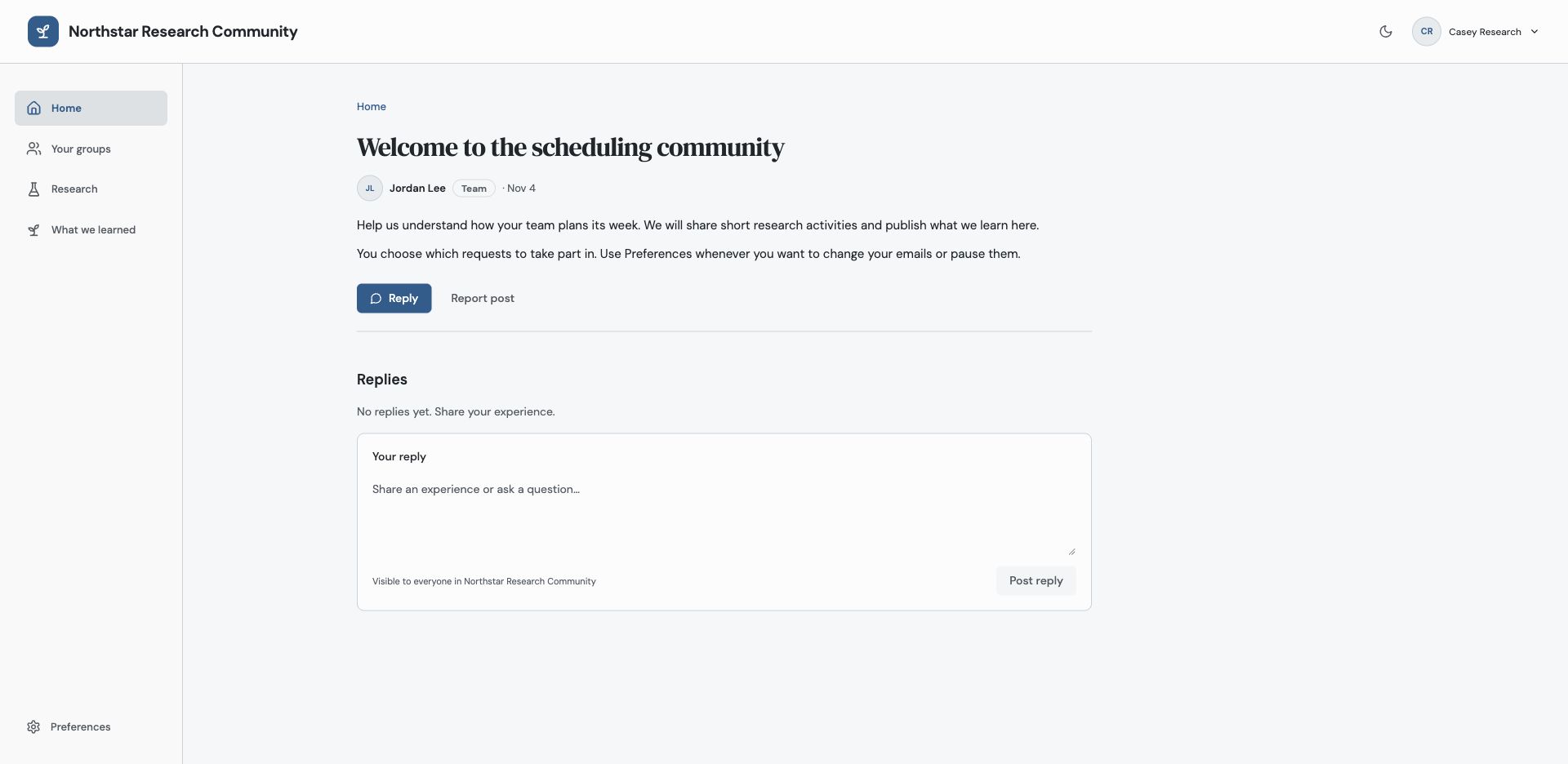
Members can respond where replies are open and report content for administrator review.
Respond to a poll or Study
Open a poll, choose an option and submit while voting is open. A poll accepts one active vote from you. You may remove it and choose again before closing; removing your vote hides the aggregate result until you vote again. Closed polls do not accept voting or removal. Results do not expose an individual list of voters and their selected answers.
Open Research to inspect available, requested, completed or closed Studies. Read what the team wants to learn, why it matters and the expected time. Select Start for an available request, follow its instructions, then submit your response. Check the completion message.
A Study shared through more than one of your groups appears once in your personal list. Email is a way to notify you, not a requirement to find an eligible open Study. You can open it through the community even if you received no email.
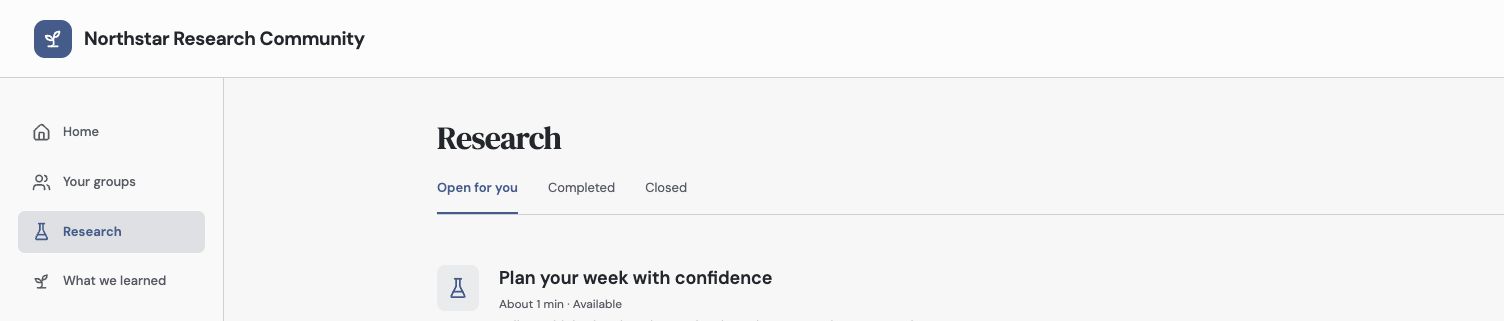
Read the learning goal and expected effort before starting. After submission, check the confirmation and return for published learnings.
Find updates and optional Ideas
Open What we learned for the team’s published discoveries, Study follow-ups and roadmap updates. The team may still be evaluating the result; an update does not necessarily promise a feature or date.
If Ideas is available, you can use its request and voting experience. A community may hide Ideas and focus on conversations and research instead. See the Ideas Portal guide for that workflow.
Use Preferences to choose optional emails. If a saved private link becomes unavailable, check your current groups and ask the administrator whether access or the content changed.
Troubleshooting
A Study no longer accepts responses
It may have closed, been withdrawn or become unavailable to your current audience. Check its status in Research before trying an older email link again.
I cannot start a discussion or reply
The community may disable member-created discussions or close replies for that conversation. Existing content can remain readable without those actions.
Continue from here
Related guides
Did this guide answer your question?
Your response helps us prioritize missing or unclear documentation.
Still stuck?
Send your question to Zentrik support. This guide will be included automatically.